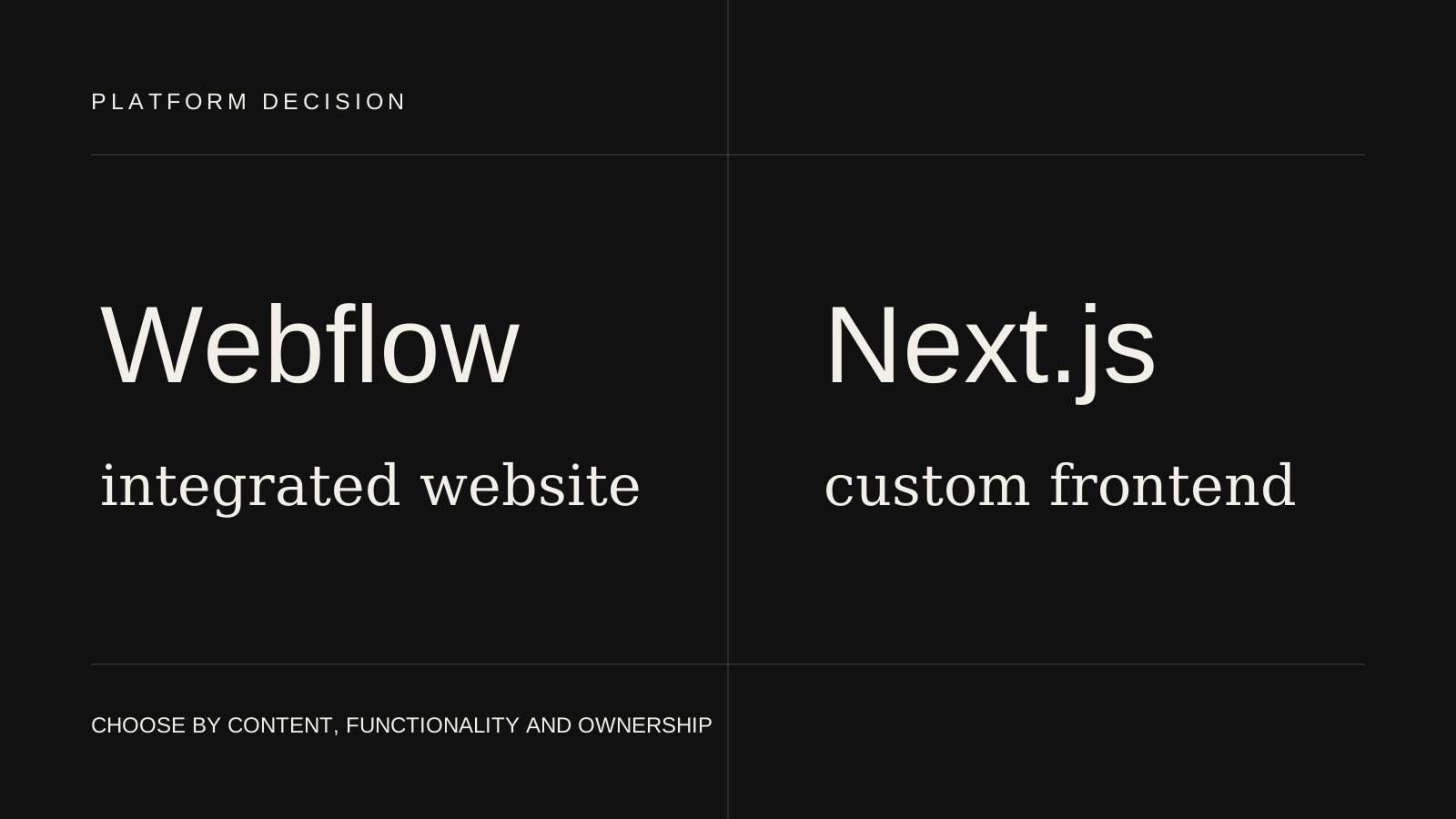
Choose Webflow when a design-led marketing team needs controlled visual editing and the required functionality fits the platform. Choose Next.js when custom frontend behaviour, multiple data sources or application architecture justify ongoing engineering ownership.
Both can deliver responsive, search-friendly business websites. They differ in how pages are created, how custom behaviour is implemented and who is expected to maintain the system after launch.
The best decision follows the operating model of the website rather than a generic platform ranking.
Compare the platform layers
Webflow combines visual development, CMS, hosting and publishing in one managed platform. Designers or trained editors can update structured content and controlled page sections without a separate deployment pipeline.
Next.js is a React framework. It provides routing, rendering, metadata and application conventions, but the project still needs a content source, hosting choice and development workflow. It offers more architectural control because the team owns more of the system.
That distinction shapes cost and responsibility:
- Webflow provides more platform decisions out of the box
- Next.js lets developers make more decisions for the specific product
- Webflow reduces infrastructure ownership
- Next.js supports deeper custom functionality
- Webflow editing is visually integrated
- Next.js editing depends on the connected CMS or content workflow
Choose according to the team publishing content
Ask who creates a new service page or campaign landing page.
Webflow can work well when a marketing or design team wants to publish within an established visual system. CMS collections support repeatable content such as articles, case studies and team profiles.
Next.js can connect to a headless CMS and provide structured page components. This can create a powerful workflow, but preview, publishing and component configuration must be designed. The content team should test that workflow rather than accepting a technical diagram as proof of usability.
If visual editing is the main requirement and custom application behaviour is limited, Webflow may be the more efficient answer.
Choose according to custom functionality
Next.js is stronger when the website must support functionality beyond Webflow’s natural model.
Examples include:
- Authenticated areas
- Complex search and filtering
- Personalised content
- Product or account APIs
- Custom checkout or commerce frontend requirements
- Application workflows
- Multiple data sources
- Shared components with an existing React product
Webflow supports forms, CMS content, interactions and third-party embeds. Custom code can extend it, but a project that relies heavily on external scripts may become difficult to test and maintain. At that point, a custom frontend may provide clearer ownership.
Design fidelity and component control
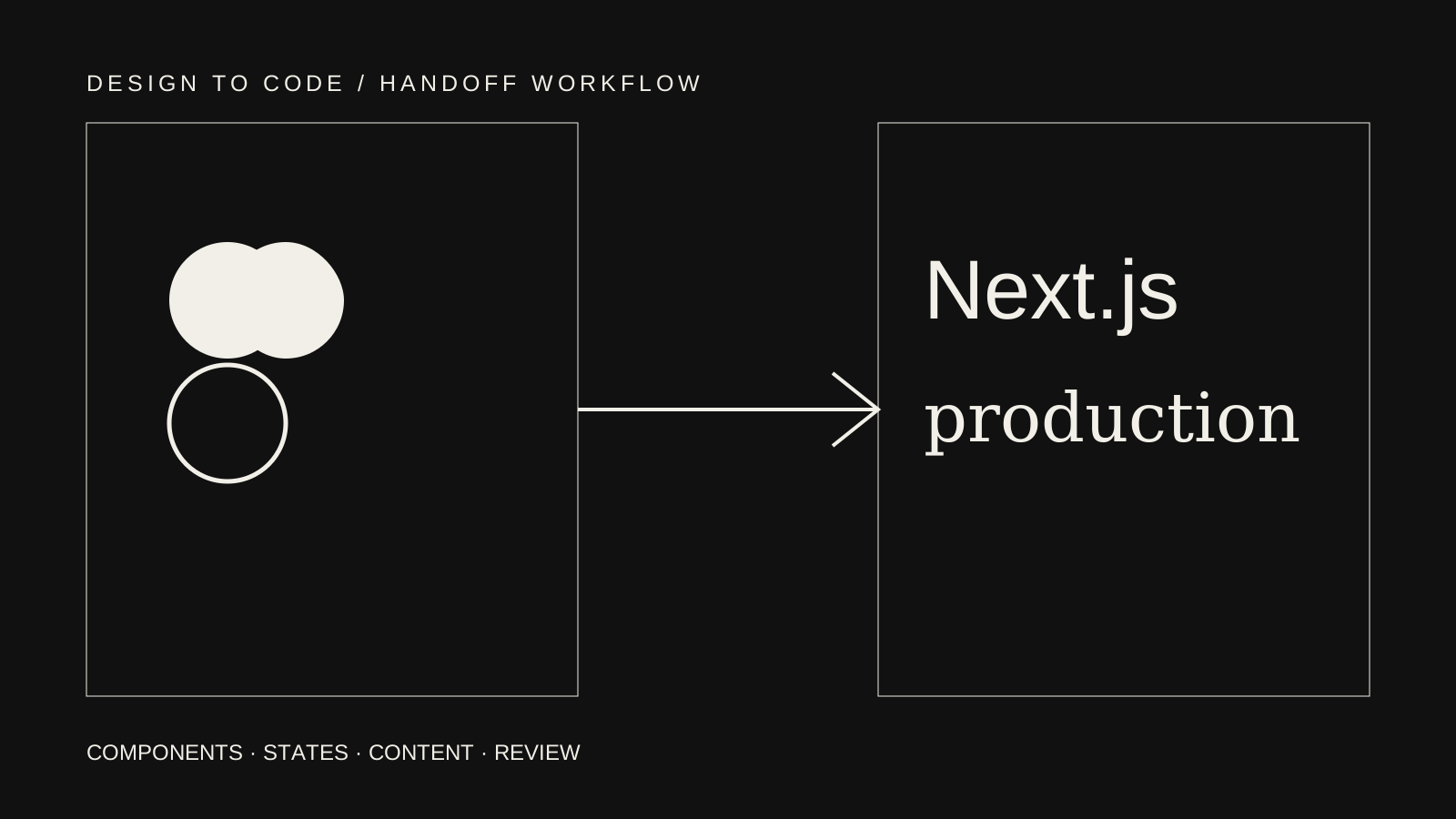
Webflow offers direct visual control and can translate an approved Figma system into reusable classes and components. The result remains close to the design workflow, which is useful for a design-led team.
Next.js can implement the same design with React components and code-level rules. It offers more control over component APIs, states and integration, but structural changes generally require development and deployment.
The quality of either outcome depends on discipline. Webflow can accumulate inconsistent classes, while a Next.js codebase can accumulate one-off components. The platform does not replace a coherent system.
The GrowthMaze Webflow case study records responsive Webflow and CMS-related project scope. The Gymerz Next.js case study records Next.js frontend work represented across available platform assets. Neither case uses unsupported business metrics.
CMS flexibility
Webflow CMS works well for straightforward collections and references. It is integrated into the visual platform and gives editors a relatively direct view of the published result.
A Next.js website can connect to many content systems. This allows advanced content modelling, localisation, workflows and content shared across channels. It also requires integration work and ongoing compatibility ownership.
Ask:
- How many content types exist?
- Are relationships simple or deeply nested?
- Is localisation required?
- Do editors need preview?
- Will content be reused in an app or other channel?
- Who maintains the integration?
Do not choose headless architecture for theoretical flexibility the organisation is unlikely to use.
SEO implementation
Both platforms can support crawlable pages, unique metadata, canonical URLs, sitemaps, redirects and structured content.
Webflow exposes many common controls through the platform. Editors and developers still need to use headings, page titles, descriptions and redirects accurately.
Next.js provides metadata and routing APIs that can scale across programmatic page types. The developer must design those rules and ensure client-side choices do not hide important content.
Neither platform supplies relevance, authority or useful writing. “SEO-friendly” should mean the implementation avoids technical barriers, not that the platform guarantees rankings.
Performance considerations
Webflow hosting and asset delivery remove many infrastructure decisions. Performance can still suffer from oversized media, elaborate interactions, third-party embeds and an undisciplined build.
Next.js provides control over rendering, images, fonts, scripts and caching. That control can produce an efficient frontend, or it can create excessive JavaScript and operational complexity when used poorly.
Evaluate actual page requirements:
- Hero media
- Fonts and weights
- Analytics and marketing tools
- Animation
- CMS images
- Client-side interaction
- External data
Performance is a result of decisions inside either platform.
Hosting and maintenance
Webflow combines platform updates, hosting and publishing. The team still needs to maintain content, integrations, forms, domains and custom code.
Next.js requires ownership of dependencies, hosting configuration, environment variables, deployments and connected services. Managed hosting reduces infrastructure work but does not remove application maintenance.
A business without ongoing development capacity should treat that responsibility as part of the platform decision.
Migration and portability
Webflow content and design live within the platform’s model. Export options do not reproduce every CMS and platform capability outside Webflow. Confirm portability requirements before building workflows that assume easy migration.
Next.js source code can be hosted and changed by developers, while connected content may still depend on a CMS vendor. Portability is not the same as zero switching cost; custom architecture also requires specialist knowledge.
For either platform, maintain clean URLs, structured content and independent account ownership. Those practices make future change easier.
Cost and speed of delivery
Webflow can be faster for a design-led marketing site when the required components and CMS fit the platform. The same environment covers build, content and hosting.
Next.js requires custom implementation and integration, which can cost more initially. It may justify that investment when functionality, reusable architecture or product integration creates ongoing value.
Compare the full responsibility:
- Design implementation
- CMS setup
- Content migration
- Custom functionality
- Hosting and licences
- Developer maintenance
- Editor training
- Future page creation
The lowest launch quote is not necessarily the lowest operating cost.
Common decision mistakes
- Choosing Next.js only because it sounds more technical
- Choosing Webflow only because editors can move every element
- Ignoring who maintains custom code
- Selecting a CMS before defining content types
- Assuming either platform guarantees SEO or speed
- Treating a complex application as a marketing site
- Building headless architecture without editor testing
- Adding many Webflow embeds to avoid acknowledging a custom-app requirement
The platform should simplify the most important work, not move complexity somewhere less visible.
A practical decision checklist
Webflow is likely a good fit when:
- The project is primarily a marketing website
- Visual editing is important
- Content relationships are manageable
- Custom functionality is limited
- The team prefers managed hosting and publishing
- A designer or marketer will own routine updates
Next.js is likely a good fit when:
- Custom application behaviour is required
- Several APIs or data sources must be integrated
- The team already uses React
- Rendering and routing need code-level control
- Public content and product features share a system
- Developers are available for ongoing ownership
Conclusion
Webflow and Next.js are not direct substitutes in every project. Webflow is an integrated website platform; Next.js is a framework for building a custom frontend system. Choose according to content operations, functionality and maintenance ownership. For another CMS-oriented comparison, read Webflow vs WordPress.
Explore Webflow development services and Next.js website development, or send the project requirements if the platform decision is still open.
Frequently asked questions
Is Webflow better than Next.js for SEO?
Neither platform automatically ranks better. Both can provide strong technical foundations when metadata, content, internal links, performance and indexability are handled properly.
Can Webflow connect to external services?
Yes, through native features, automation tools, embeds and custom code. Complex or business-critical integrations may be easier to own in a custom application.
Does Next.js require a headless CMS?
No. It can use local content, a headless CMS, ecommerce backend or custom API. Select the content source according to editor and publishing needs.
Can a Webflow site be migrated to Next.js later?
Yes, but templates, CMS content, forms, interactions, URLs and redirects must be planned. Platform export alone does not reproduce the full Webflow system.